Stream-Proof Overlay Setup — hide wall ESP and script overlays from OBS (Genshin Impact cheats)
Hide wall ESP and script overlays from OBS, Game Bar and capture cards—test workflow for content creators.
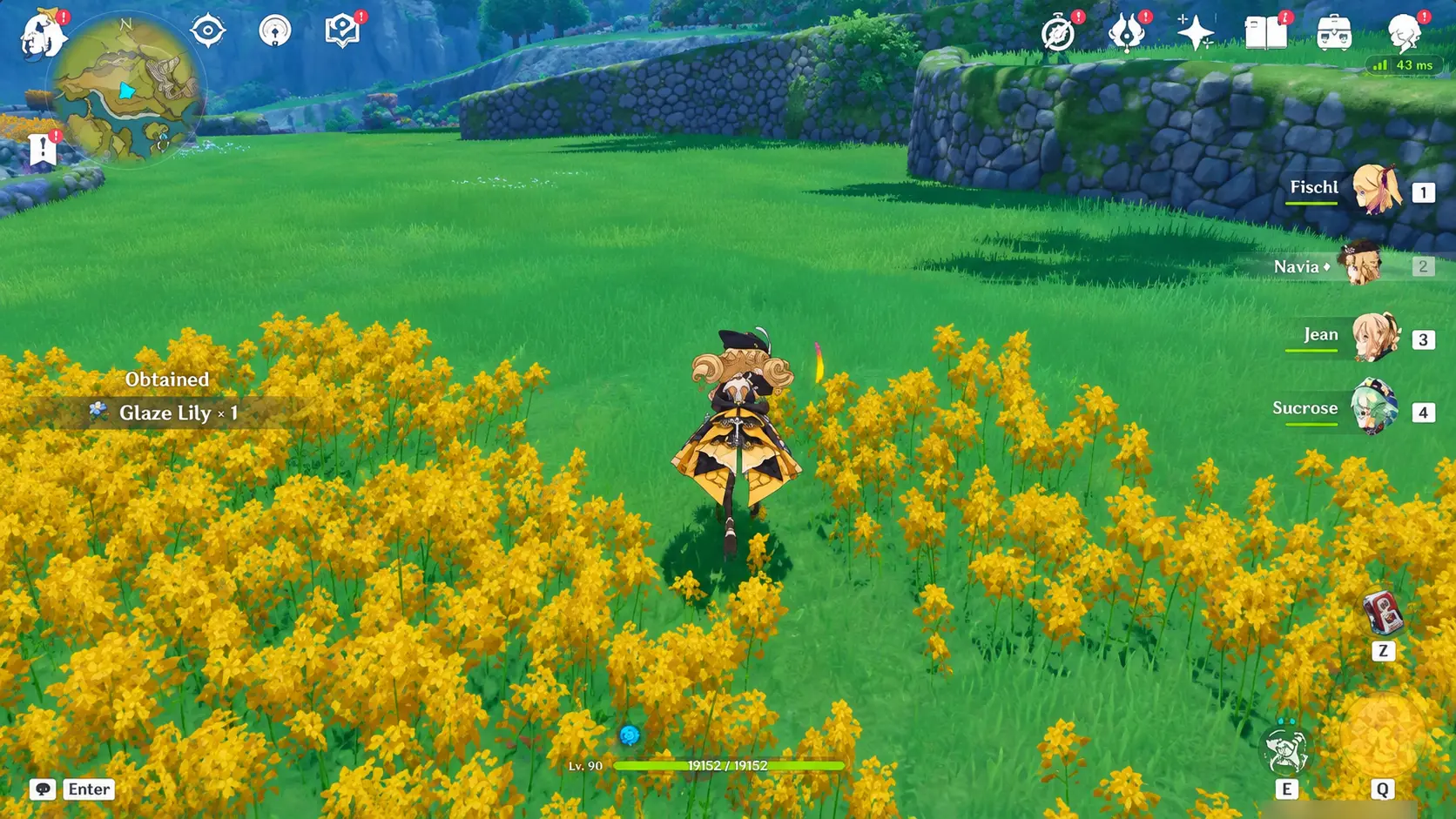
Capture-safe mode on Lite ESP tier for creators and Pro overlay tier for broadcasts hides wall ESP and script menus from OBS, Xbox Game Bar, and most software capture—while keeping overlays on your physical monitor.
Capture-safe overview
Streaming Genshin Impact with visible wall ESP or script menus risks platform bans and viewer reports. OBS-safe mode on Lite workflow package and Pro ranked overlay package hides overlays from capture apps while keeping ESP visible on your physical monitor.
Creators run awareness privately while keeping broadcast feed clean—discipline still required in commentary.
Enable overlay hiding in loader
Open utility tab in customer portal or external loader. Toggle overlay hiding before launching OBS—not after.
Apply before Genshin Impact if your capture software hooks at game start. Elite heroes use the same toggle for bot and Weapon loadout tools menus.
OBS test workflow
Record 30 seconds locally with your live scene collection. Playback must show clean game feed—no chest dots, player ESP, or script HUD.
Test game capture and display capture modes separately; dual-monitor setups behave differently. Browser source overlays are unaffected by game-capture filtering.
Game Bar and capture cards
Windows Game Bar capture respects overlay hiding on most builds—verify with Win+G clip.
Hardware capture cards reading raw HDMI may still show overlays if signal passes through composited path. Test exact cable chain before going live.
Pair with conservative ESP
Hidden overlays stay off capture; that does not make gameplay legit on stream if you call out hidden info.
Creators often run Lite awareness package privately while keeping broadcast commentary clean. Map defaults: wall ESP setup for streamers.
Weapon loadout tools and capture
Weapon loadout tools cosmetics may appear on capture depending on client path—test separately from ESP hiding.
Flashy outfit particles on stream can look suspicious even when ESP is hidden—plan content accordingly.
Get stream-safe cheats
OBS-safe tiers ship on every plan at Genshin Impact shop for creators on genshincheats.org. Checkout via secure checkout.
Full feature list in Genshin Impact cheat modules and ESP breakdown—Lite minimum for zoom plus ESP plus capture-safe overlay.
After OBS tests pass, compare Product comparison for streamers, the ranked feature comparison chart, and Elite automation tier shop before checkout.
Return to the main Genshin Impact Product catalog when you are ready to go live with hidden wall ESP and script overlays.