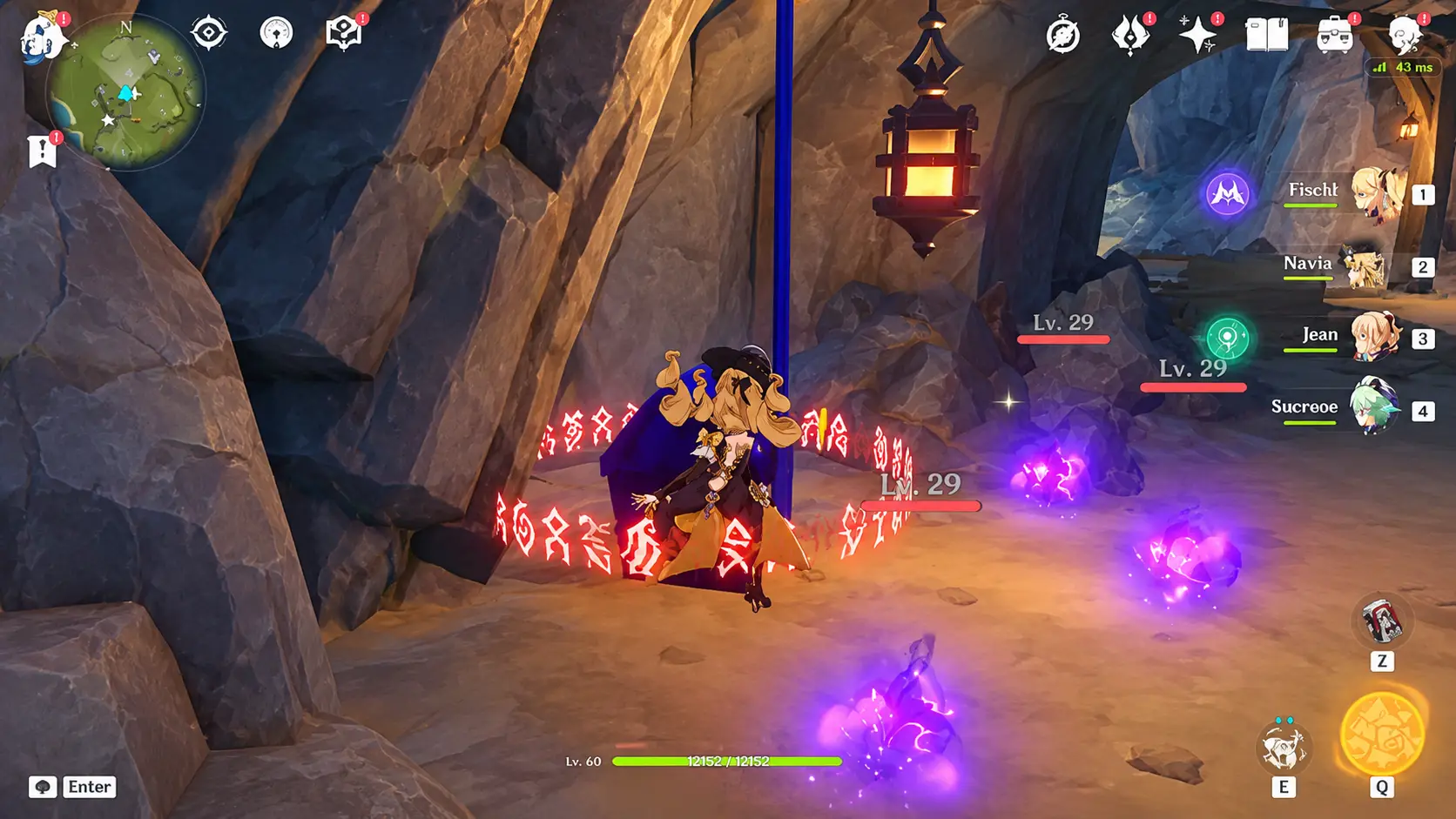
Genshin Impact cheats — checkout when the status banner shows online
Genshin Cheats: PC combat assist, ESP & radar
Genshin Impact cheats on this site cover PC combat assist, player ESP, chest and resource ESP, outline and box overlays, and save/load config profiles. Compare modules on genshincheats.org, then checkout when the status banner shows online.
Start checkoutVerified cheat modules
The Genshin Impact product includes combat assist with FOV and smoothness controls, player ESP with outline and box styles, chest and resource ESP, damage notifications, and config save/load.
Utilities on the product hub are optional add-ons that share the same secure checkout flow. Every product page lists modules before you pay.
Setup and delivery
Checkout unlocks the customer portal, Windows loader and setup guide. Reload the loader after major Genshin Impact or game security updates, then confirm the homepage status banner before each session.
Seller support helps with config tuning and checkout questions. Include order email, HoYoverse account details, and Windows version when you open a ticket.
Before you buy
Third-party software can conflict with game policies and online play rules. You accept account risk and patch-day downtime. Start with conservative presets, test in the Serenitea Pot, and read the FAQ and Terms on this site.
Supported modules receive loader updates through the customer portal when the status banner is green. When you are ready, use Start checkout below or browse product tiers for comparisons and setup guides.
After game updates
Genshin Impact and game security receive frequent updates. Confirm module availability on the live status panel at genshincheats.org before you purchase or launch.