Genshin Impact radar on PC — FOV habits, spacing and team callouts
Mini-radar, FOV awareness and safe distance caps for open-world combat and Spiral Abyss.
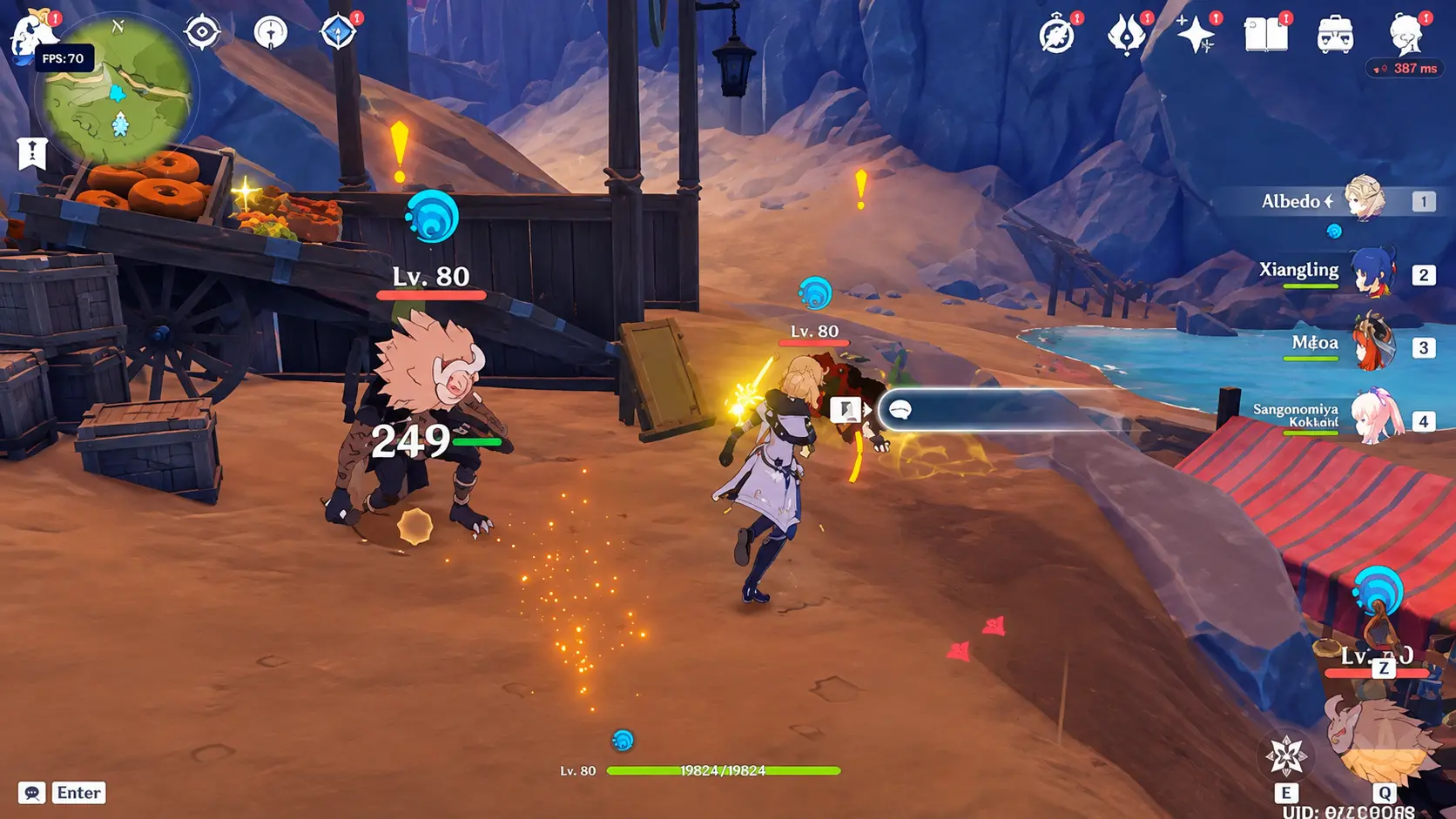
Radar cheat on Lite tier extends Genshin Impact camera distance beyond the default cap—supports track off-screen fights, aim duelists watch loot contests, and rotators spot third-parties earlier.
Radar cheat overview
The Lite utility module extends Genshin Impact camera distance beyond the default cap—use it to track off-screen fights, watch loot contests, and spot third-parties earlier.
Module lives in the utility tab with dynamic zoom and angle lock options—enable before launching Genshin Impact on PC.
Extended camera setup
Enable radar cheat in the loader utility tab before launching Genshin Impact. Set max zoom to 130–150% of default first—push higher only after you adapt to radar timing.
Bind scroll wheel or hotkey for temporary zoom-out during squad fights without permanent max zoom in lane.
Dynamic zoom
Dynamic zoom auto-scales camera when multiple enemies enter vision radius—tight in lane, wide in 5v5. Reduces manual scroll spam during chaotic fights.
Disable dynamic zoom in Spiral Abyss if fights chain too fast and disorient you—ranked team fights benefit more than Spiral Abyss skirmishes.
Angle lock for supports
Angle lock keeps camera tilt consistent when zooming—prevents seasick drift on high zoom. Supports guarding safelane benefit most.
Set lock before laning phase and avoid mid-fight adjustments. Aim duelists may prefer free tilt for loot contest angles.
Pair with wall ESP
Radar cheat complements weapon ESP and smoke alerts from wall ESP setup—camera range plus enemy dots beats either alone.
Pro tier adds combat assist; zoom remains a Lite core feature included in every higher tier at genshincheats.org.
Stream and capture notes
Zoom changes are client-side camera—stream-proof mode hides ESP overlays, not zoom extension. Test OBS capture if viewers comment on camera behavior.
Full stream workflow: stream-proof setup plus conservative ESP for creator accounts.
Get Lite radar cheat
Radar cheat is included in Genshin Impact products and every higher tier at genshincheats.org. Checkout via secure checkout, follow the loader guide.
Explore private Genshin Impact cheats catalog for full tier comparison against Product comparison radar pairing.
Genshin Cheats at genshincheats.org sells Genshin Impact cheats for Windows PC open-world combat and Spiral Abyss. Check status before you queue after a patch.
security enforcement is real: read status, reload loader after patches, and use conservative presets. Humanized combat assist smoothness and limited ESP range reduce report volume compared to max automation on day one.
Compare Product comparison for radar users and full Genshin Impact cheat features list before checkout. Elite adds bots, kill steal, and Weapon loadout tools for heroes who mastered Pro combat assist.
Stream-proof mode, external loader architecture, and cloud config sync distinguish genshincheats.org from free paste tools that vanish after security waves. Private maintenance every patch beats feature bullet lists from unknown forums.